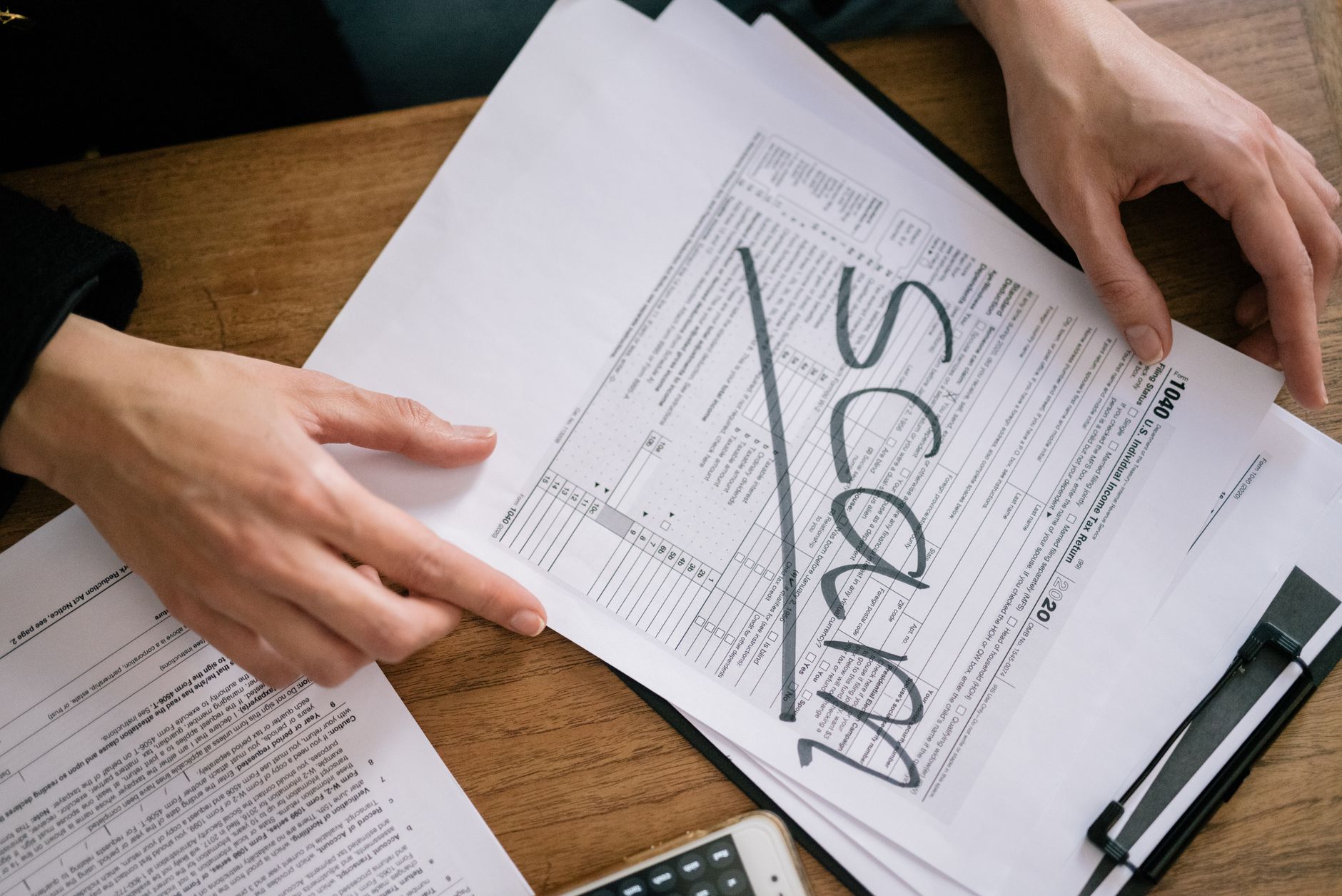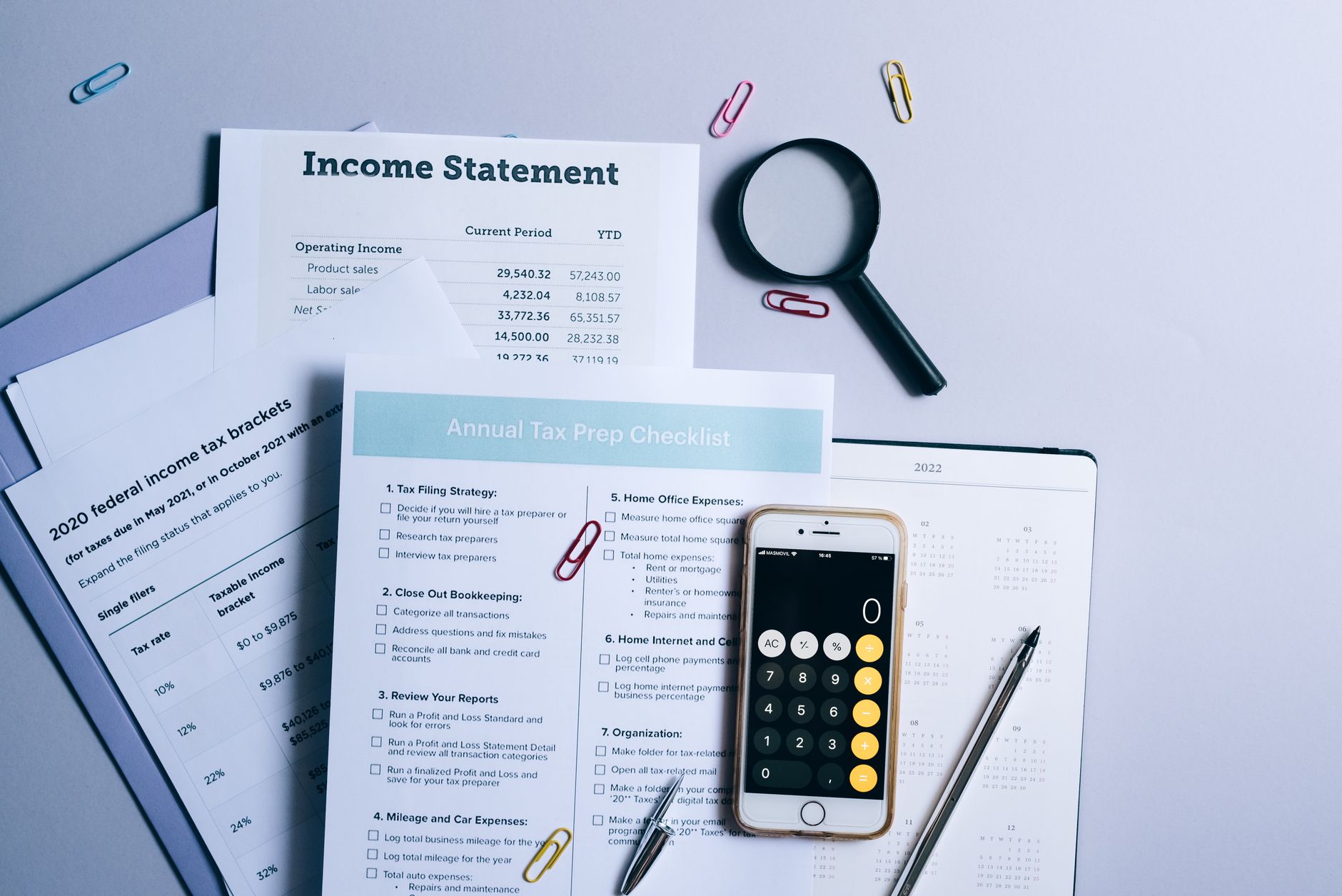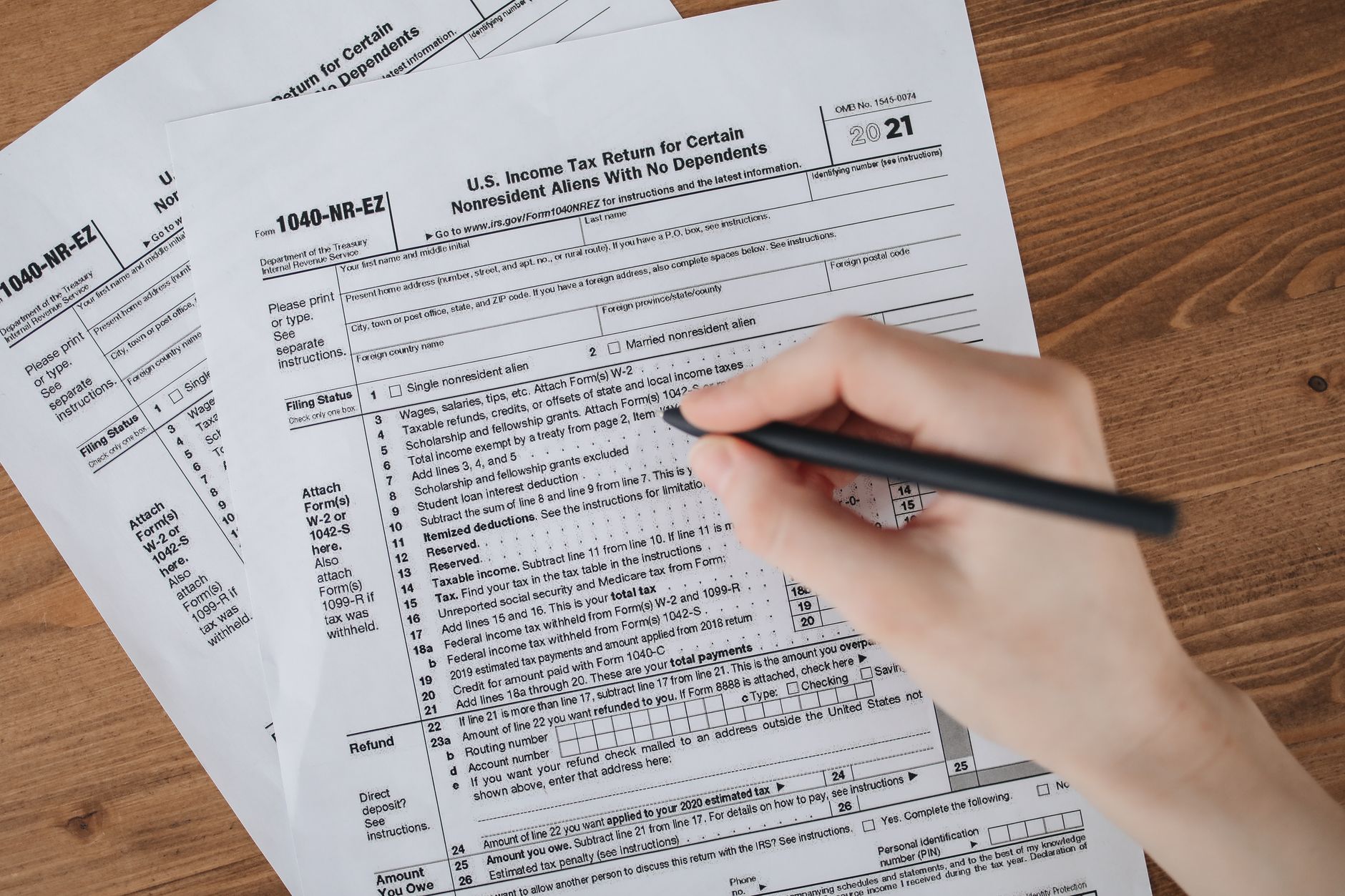
Many taxpayers breathe a sigh of relief after filing their income tax returns (ITR), assuming the process is complete. However, filing your return is only the first step. The crucial second step—e-Verification—must be completed within 30 days of filing, or your ITR will be considered invalid by the Income Tax Department.
Why e-Verification is Mandatory
When you file your ITR online, the return is submitted to the Income Tax Department's servers, but it remains in an unverified state. Think of it as submitting a form without a signature. The e-Verification process is essentially your digital signature that authenticates the return and confirms that you indeed filed it.
Without completing e-Verification within the stipulated 30-day period, your ITR filing becomes null and void. This means the department will treat it as if you never filed your return at all, potentially leading to penalties, interest on unpaid taxes, and the loss of any refund you might be entitled to.
Consequences of Missing the 30-Day Deadline
Failing to e-verify your return can have several negative implications. You may be classified as a non-filer, which can attract a penalty under Section 234F of the Income Tax Act—up to Rs 5,000 for regular taxpayers and Rs 1,000 for those whose total income is below the basic exemption limit.
Additionally, if you are eligible for a tax refund, it will not be processed until your return is verified. Missing the deadline also means losing out on carrying forward certain losses to subsequent financial years, which could impact your tax liability in the future.
Methods to e-Verify Your ITR
The Income Tax Department offers multiple convenient methods for e-Verification, allowing taxpayers to choose the option that suits them best.
- Aadhaar OTP: If your Aadhaar is linked with your PAN, you can verify your return instantly by entering the OTP sent to your registered mobile number
- Net Banking: Use your bank account's net banking facility through pre-approved banks to complete verification
- Bank Account Validation: Generate an EVC (Electronic Verification Code) through your bank account if it's pre-validated with the IT Department
- Demat Account: Generate EVC through your demat account if it's linked with your PAN
- Bank ATM: Visit an ATM of a designated bank to generate an EVC
- Digital Signature Certificate (DSC): Primarily used by professionals and businesses who already possess a valid DSC
- ITR-V Form: Send a signed physical copy of the ITR-V (acknowledgement) to the Centralised Processing Centre in Bengaluru via ordinary or speed post
Step-by-Step e-Verification Process Using Aadhaar OTP
For most individual taxpayers, Aadhaar OTP is the quickest and easiest verification method. Log in to the e-filing portal at incometax.gov.in using your credentials. Navigate to the 'e-Verify Return' section under the 'e-File' menu.
Select the relevant assessment year and the acknowledgement number of the ITR you wish to verify. Choose 'e-Verify using Aadhaar OTP' as your verification method. An OTP will be sent to the mobile number registered with your Aadhaar. Enter this OTP on the portal and submit.
You will receive a confirmation message on your registered email and mobile number once the verification is successful. The entire process takes just a few minutes.
Alternative Methods for Non-Aadhaar Verification
If your Aadhaar is not linked with PAN or you prefer not to use Aadhaar OTP, net banking remains a popular alternative. After logging into the e-filing portal, select the net banking option and choose your bank from the list of participating institutions.
You will be redirected to your bank's net banking portal where you need to log in and authorize the verification. Once confirmed, you'll be redirected back to the IT portal with a success message.
Checking Your Verification Status
After completing e-Verification, it's prudent to confirm that the process was successful. Log in to the e-filing portal and check your dashboard or navigate to 'View Filed Returns' section. The status should change from 'Pending for Verification' to 'Verified' within a few minutes to a few hours.
You can also check your registered email for a confirmation message from the Income Tax Department stating that your return has been successfully verified.
What If You Miss the 30-Day Window
If you realize you've crossed the 30-day deadline, you'll need to file your return again. The original unverified return will be treated as invalid. File a fresh return and ensure you complete e-Verification within the new 30-day window. Depending on when you refile, late filing fees under Section 234F may apply.
This article is for general informational purposes only and should not be considered as professional tax advice. Tax laws are subject to change, and individual circumstances vary. For specific guidance on your tax situation, please consult a qualified chartered accountant or tax professional.