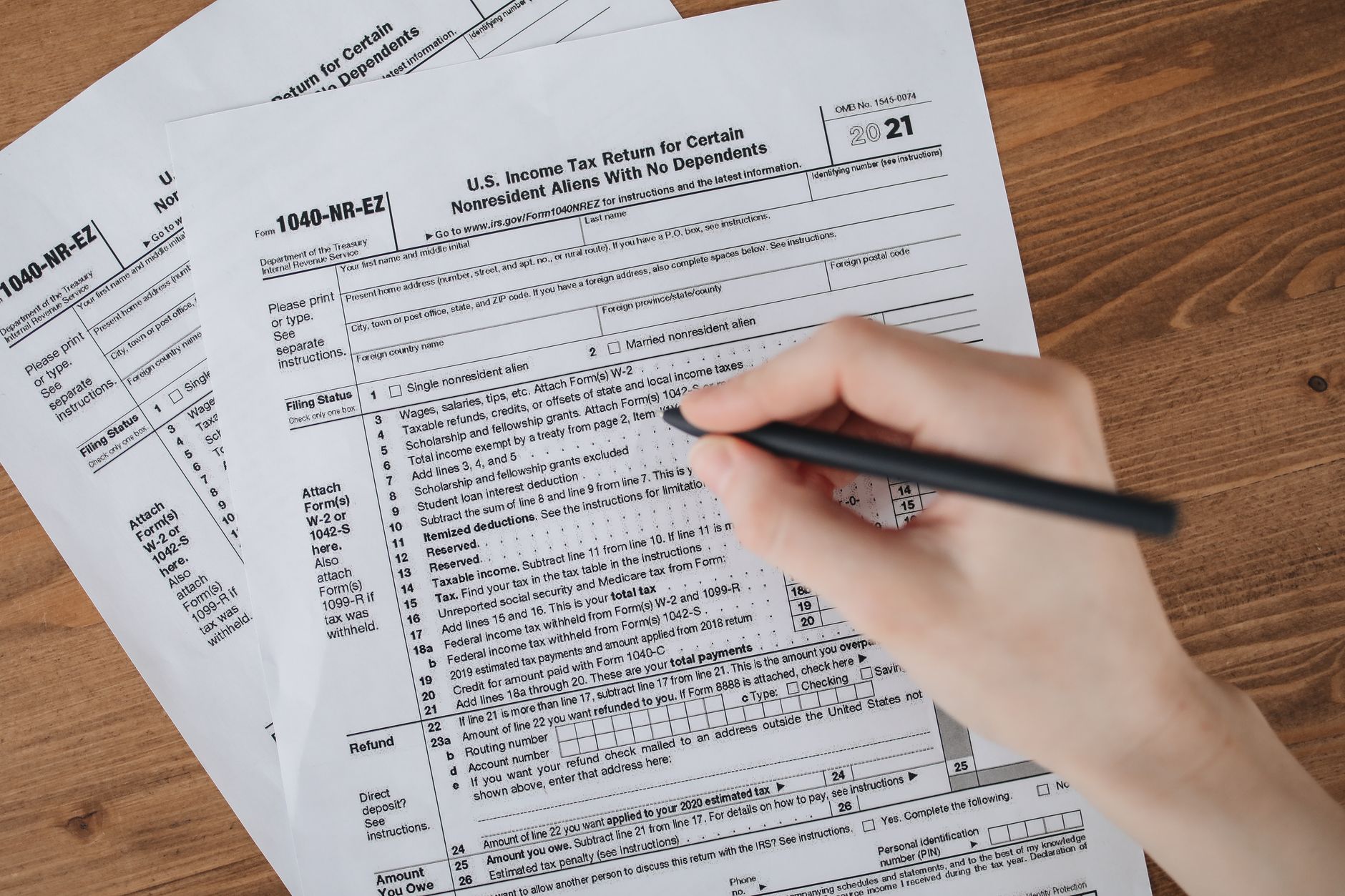
As the income tax return filing deadline draws closer, millions of taxpayers across India are preparing to fulfill their annual obligation. The Income Tax Department's e-filing portal has simplified the process significantly over the years, allowing individuals to file their returns from the comfort of their homes. However, first-time filers and even some experienced taxpayers often find themselves confused about the exact steps involved.
Understanding the Importance of Timely Filing
Filing your income tax return on time is not just a legal requirement but also brings several benefits. Timely filing helps you avoid penalties, ensures faster processing of refunds, serves as proof of income for loan applications, and maintains your financial compliance record. The government typically sets the deadline for filing returns for assessment year corresponding to the previous financial year, usually July 31st for individual taxpayers not requiring audit.
Prerequisites Before You Begin
Before starting the e-filing process, ensure you have certain documents and information ready. You will need your PAN card, Aadhaar card, bank account details, Form 16 from your employer if you're salaried, investment proofs for deductions claimed, and details of any other income sources. Additionally, make sure you have your Form 26AS, Annual Information Statement, and TDS certificates readily available.
Choosing the Right ITR Form
The Income Tax Department provides different ITR forms for different categories of taxpayers. ITR-1 (Sahaj) is for individuals with income up to Rs 50 lakh from salary, one house property, and other sources. ITR-2 is for individuals and HUFs not having income from business or profession. ITR-3 is for individuals having income from business or profession. ITR-4 (Sugam) is for presumptive income from business and profession. Selecting the correct form is crucial for accurate filing.
Step-by-Step E-Filing Process
The e-filing process begins with visiting the official Income Tax e-filing portal. You need to register if you're a first-time user or log in using your credentials if you're already registered. After logging in, navigate to the e-File section and select Income Tax Return.
Choose the assessment year for which you're filing the return and select the appropriate ITR form based on your income sources. You can opt for online filing where you fill in details directly on the portal, or upload a pre-filled XML/JSON file if you've prepared your return using offline utility software.
If filing online, the portal will present you with various sections to fill including personal information, gross total income, deductions, tax computations, and tax details. Enter your income from salary, house property, capital gains, business or profession, and other sources as applicable. Claim deductions under Chapter VI-A including Section 80C, 80D, and others that you're eligible for.
Verification of Pre-Filled Data
The e-filing portal now provides pre-filled information fetched from Form 26AS, AIS, and TIS. Review this data carefully and make corrections if needed. This includes details of TDS deducted, advance tax paid, and self-assessment tax paid. Ensure all tax payments are correctly reflected to avoid discrepancies.
Tax Computation and Payment
After entering all income and deduction details, the portal automatically calculates your tax liability. If you have tax payable after adjusting TDS and other payments, you can pay online through the portal using net banking, debit card, or other payment modes. Generate a challan, make the payment, and note down the BSR code and challan serial number for updating in your return.
Validation and Submission
Before final submission, carefully validate all entered information. The portal will highlight any errors or missing mandatory fields. Once satisfied, preview your return to ensure accuracy. Submit the return electronically and note down the acknowledgment number generated.
Verification of Filed Return
Filing your return is not complete without verification. You must verify your ITR within 120 days of filing. You can verify electronically using Aadhaar OTP, net banking, or by generating and signing ITR-V form and sending it to CPC Bangalore. E-verification is instant and recommended for faster processing.
Common Mistakes to Avoid
Many taxpayers make avoidable errors such as choosing the wrong ITR form, incorrect bank account details for refund, not reporting all income sources, claiming ineligible deductions, and failing to verify the return within the stipulated time. Double-checking all information before submission can prevent these issues.
This article provides general information about the ITR filing process and should not be considered as professional tax advice. Tax laws are subject to change, and individual circumstances may vary. Consult a qualified chartered accountant or tax professional for personalized guidance on your specific tax situation.